Performance Tips in Unity
In the mobile game market, FPS (Frames Per Second) is not just a technical metric; it is the heart of the player experience. The number of frames processed per second determines how fluidly and naturally the player can react to the game. Especially in game genres that require fast reflexes, low FPS is not just a visual problem; it is also an obstacle that undermines the enjoyment of gameplay. Most of the time, what a player remembers most is not the graphic quality, but the fluidity they feel while playing.
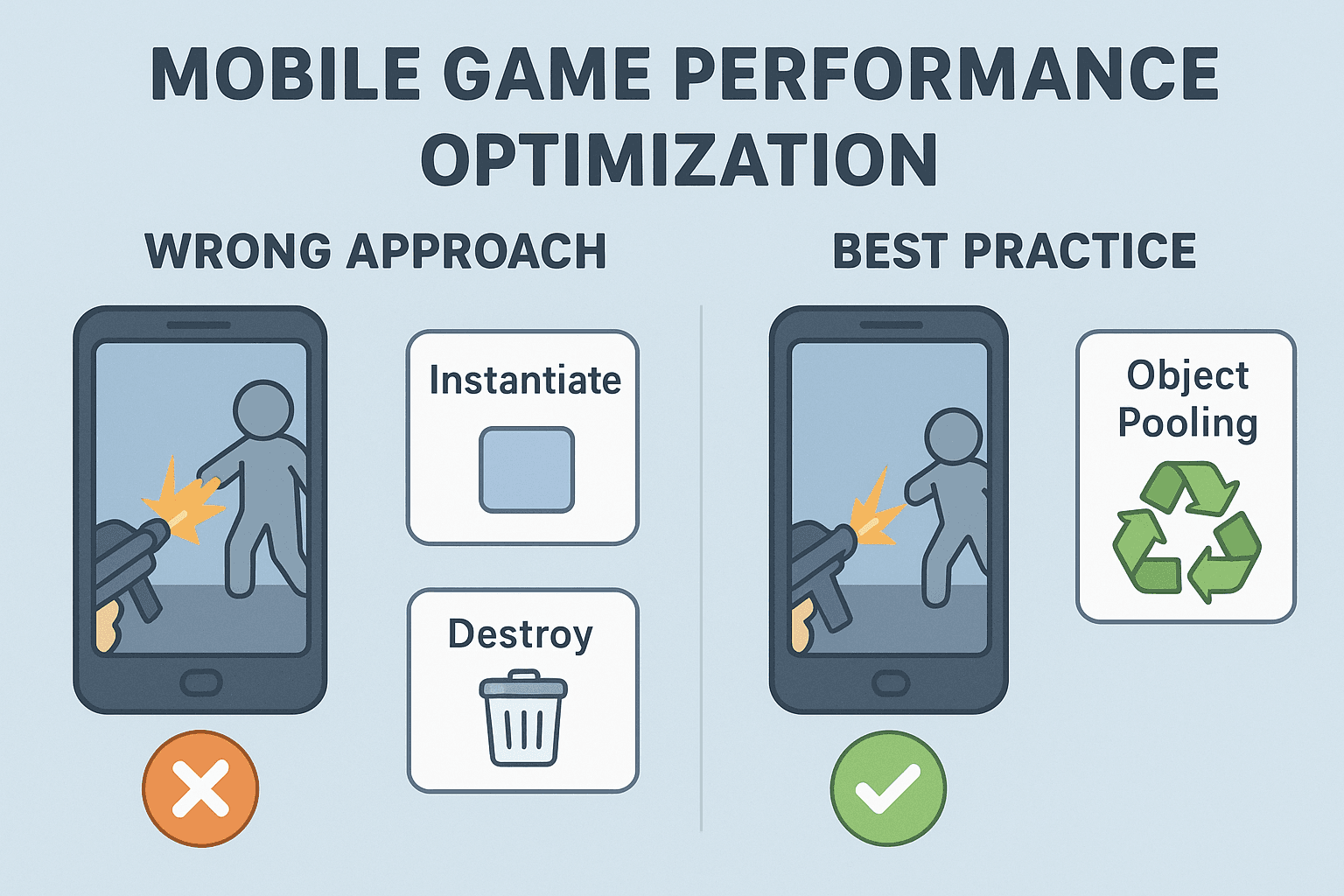
When starting performance optimization on the Unity side, the first thing to do is to properly structure the scene layout and the object pooling approach. For example, creating new enemy objects with Instantiate in every enemy wave and calling Destroy when finished seems functional in the short term, but leads to serious performance loss in the long term. Because every Instantiate call performs memory allocation, and every Destroy results in this memory being left to the garbage collector (GC). Players often feel "sudden little stutters in the game," but don't name it. Behind these little stutters are often sudden garbage collection processes called GC spikes.
To prevent this, it is critically important to use Object Pooling for frequently repeating objects such as bullets, enemy characters, or particle effects. In other words, instead of destroying objects, disabling them and reactivating them when needed is a much healthier method. Let's say you are developing a mobile FPS game and dozens of bullets appear on the screen every second. If you recreate and destroy every bullet, the device's memory starts to get unnecessarily tired within a few minutes. However, if you create a "pool" of 50–100 bullets and pull all bullets from this pool, both the FPS remains stable and memory usage is kept under control.
Actively using Unity's Profiler tool makes a big difference at this point. Follow the CPU, GPU, and Memory tabs via Profiler, paying special attention to the "GC Alloc" parts. Even small allocations here can turn into big problems over time. For example, incorrectly used String.Format on the UI side or constantly updated Text elements can make hundreds of bytes of GC allocations without realizing it. The solution is often very simple: using StringBuilder or reducing unnecessary update calls.
Giving an example from my own experiences, in an arcade-type mobile game I was working on, players were reporting "micro stutters" every 30 seconds. When I examined it in Profiler, I saw that the reason was an Instantiate of a new explosion effect every time an enemy died. When I solved this with Object Pooling, not only was FPS stability ensured; the game's energy consumption also dropped. Because the device was less strained since it wasn't constantly performing memory allocation and release processes.
In summary, performance optimization in the mobile game development process is not just a "technical improvement," but a direct investment in the user experience. Keeping your scene layout lean, applying Object Pooling, and regularly monitoring GC with Profiler ensures your games provide a fluid, enjoyable, and sustainable experience in the long term.